World viewer & editor
Open a Minecraft world save in 3D — and edit it without breaking it
The same viewer that opens a schematic opens a whole world save from 1.13 onward, server layouts and the 26.x format included. Chunks stream in with level of detail as you fly, and when you turn editing on, changes go through a write path built to refuse rather than to try: session lock held, every touched region backed up, chunk NBT patched surgically, regions rewritten atomically.
A desktop app, sold once as a lifetime license. Your files stay on your machine.
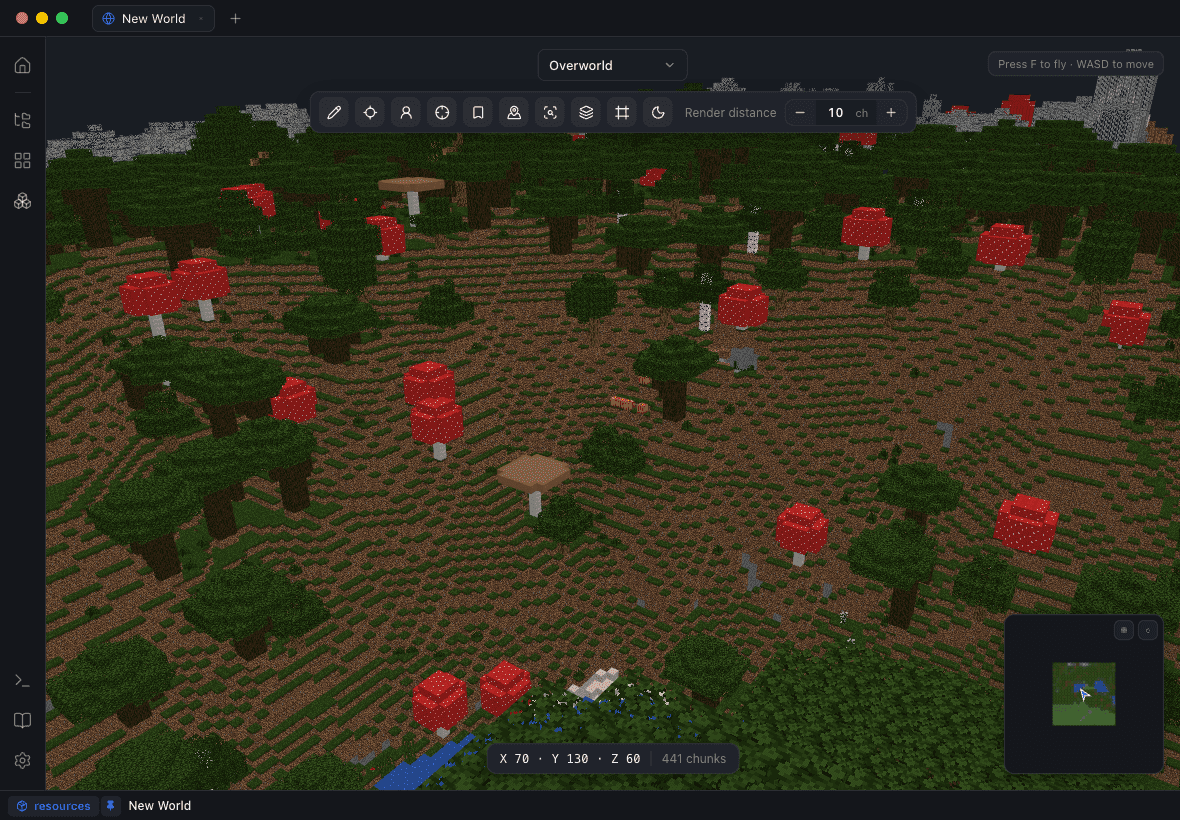
Fly the world instead of loading it
File ▸ Open World… on a save folder, F to fly, WASD to move. Chunks stream with level-of-detail so a large save is navigable rather than a loading screen, and the furniture is the kind you actually use: a minimap with slime chunks, a day/night control, a dimension switcher that understands server saves and the 26.x layout, waypoints, and a cursor readout that tells you what you are pointing at and where it is.
Find things, then cut the world open
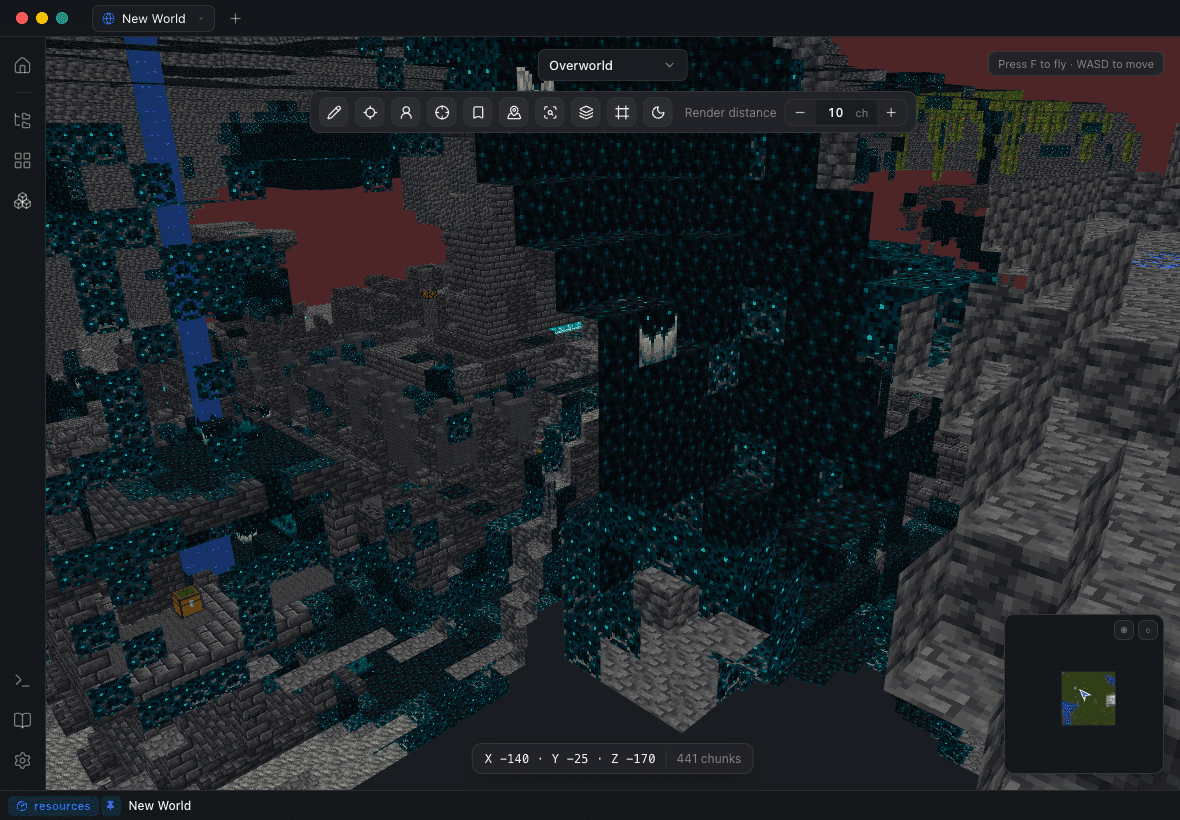
Jump to spawn, to coordinates, to a waypoint, or to any generated structure. Find blocks searches the streamed world for a block type — "where did I leave the ancient debris" is a query rather than an expedition — and find structures does the same for generated ones.
The Y-slice cuts the world horizontally so you can browse caves, mineshafts and your own basement like a doll’s house, which is also the fastest way to see what a datapack structure actually did underground.
A write path that refuses rather than tries
Worlds open read-only. Editing is a switch in Settings ▸ World, and nothing touches the disk until you press Save to World — whose dialog previews the blocks, the chunks and the backup before anything is written.
Underneath, the write is gated at every step, never best-effort.
Session lock held
If Minecraft still has the save open, the lock tells you before anything is written — not after.
Every touched region backed up
Backups are enforced, not an option you can forget to tick.
Chunk NBT patched surgically
Only the cells you changed are rewritten. Mod data in those chunks survives byte-for-byte.
Atomic region writes
Regions are replaced atomically, and any chunk that fails a check is refused rather than half-written.
Edit real terrain
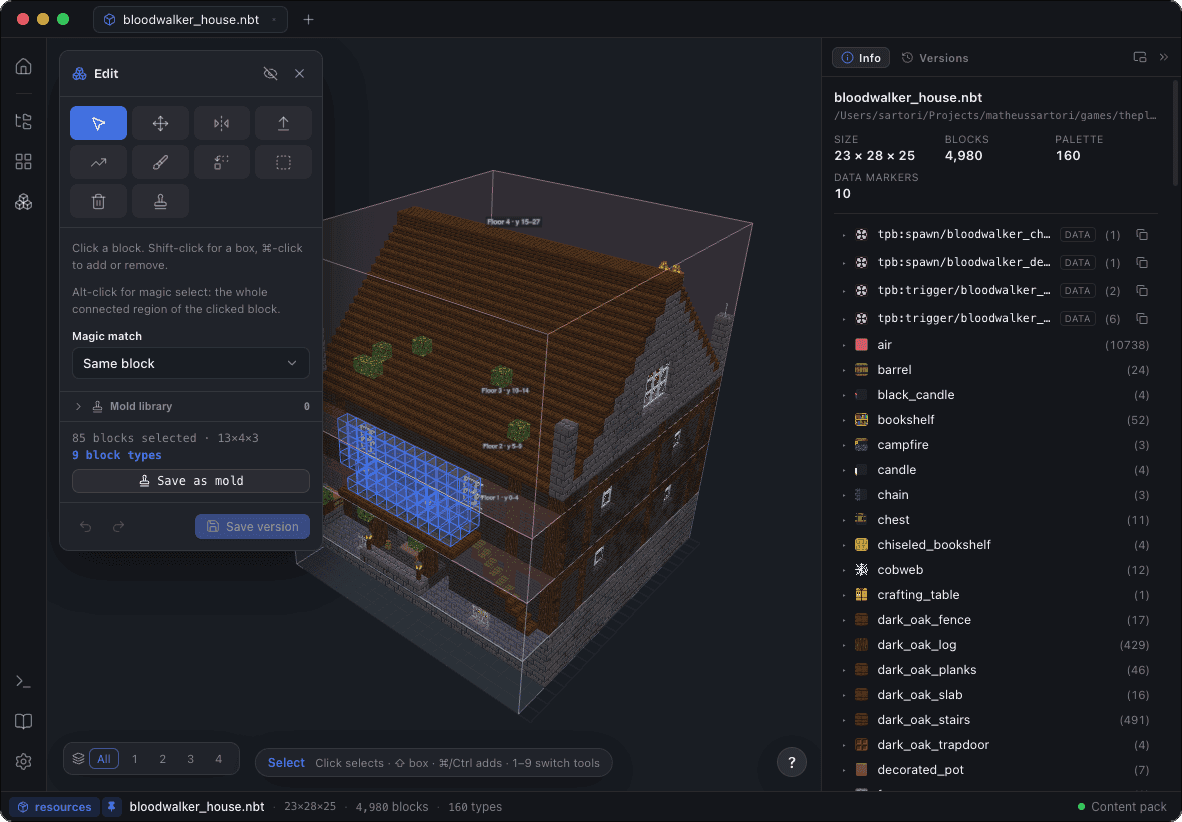
With editing on, the world stage gets the same tools the structure editor has: paint and erase, box select and magic select, fill and delete, with undo and redo throughout. It is the fastest way to flatten a build site, carve a road, or delete the cobblestone monstrosity from 2019 without flying out there with a pickaxe.
Place a build into the world, and take one back out
Any open structure can be dropped into the world as an orientation-correct ghost: arrows and PgUp/PgDn to nudge, R to rotate, and a terrain blend that lands it properly — foundation pillars down to the ground, a feathered ring around the base, excavation of terrain poking through, and sunken basements.
The reverse works too: box-select a region of the world and extract it as an editable tab or straight to .nbt, .schem or .litematic. Copying a build from one world into another is two operations, both of them visual.
Versions it understands
World saves from 1.13 up, including server saves and the 26.x layout, and exports stamped with the DataVersion and pack format the target world’s level.dat actually declares. Blockwright tracks Minecraft’s release cadence through 26.2.
Questions people ask
Is it safe to edit my Minecraft world?
Worlds open read-only until you turn editing on in Settings ▸ World, and nothing is written until you press Save to World. That save holds the session lock, backs up every touched region, patches chunk NBT surgically, rewrites regions atomically, and refuses any chunk that fails a check.
Do I have to close Minecraft first?
Yes — and Blockwright tells you if you did not. The save path checks the world’s session lock before writing anything.
Does it work with modded worlds?
Yes. Chunk NBT is patched rather than rebuilt, so mod data in the chunks you edit survives byte-for-byte, and a mod workspace makes the mod’s own blocks render with their real textures.
Which Minecraft versions can it open?
World saves from 1.13 onward, including server save layouts and the 26.x format, with support tracked through Minecraft 26.2.
Can I copy a build from one world to another?
Yes. Box-select the region and extract it as an editable tab or a .nbt/.schem/.litematic file, then open the other world and place it as a ghost with terrain blending.
Can I edit a server world?
Blockwright opens and edits the save folder, so a server world works the same way a single-player one does — with the server stopped, for the same reason Minecraft has to be closed.